Wave Management with SAP EWM
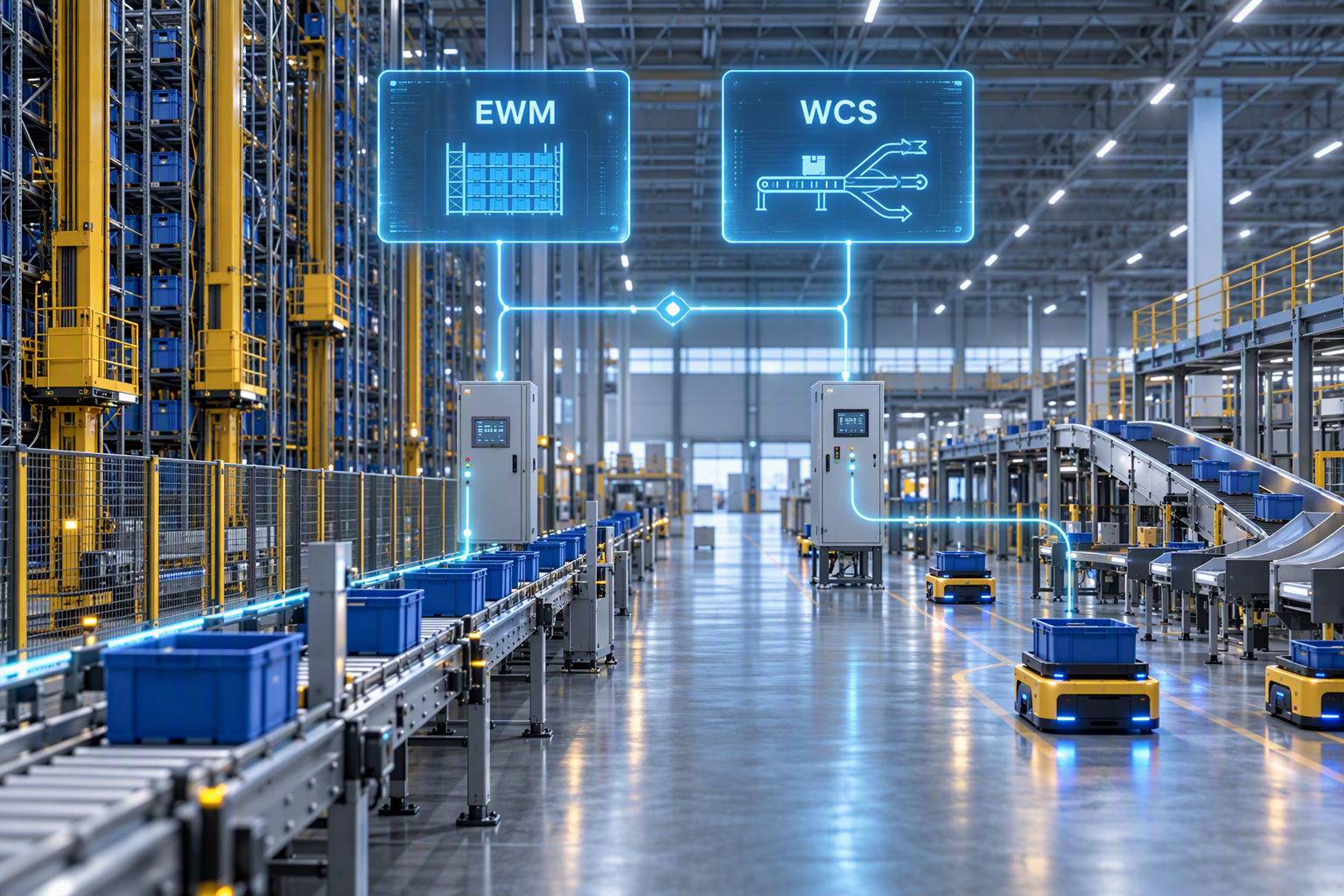
Warehouse logistics is no longer just about moving goods. What matters today is structured consolidation of material flows, targeted deployment of personnel, and optimal utilization of technical systems. This is exactly where wave management in SAP Extended Warehouse Management (SAP EWM) comes into play – as a central control mechanism for optimizing efficiency and stabilizing warehouse processes.

Intelligent Consolidation
Multiple warehouse requirements are systematically grouped into a wave and processed as a single execution unit. Picking, packing, and staging processes run in a synchronized manner instead of being handled individually. This increases process stability while reducing travel distances and coordination effort within the warehouse.
Precise Time Control
SAP EWM plans waves backward from the required delivery date. Based on defined completion times for picking, packing, and staging, processes start exactly when needed. Bottlenecks are avoided, waiting times are reduced, and delivery commitments are reliably met.
Optimized Resource Utilization
Capacity profiles allow clear limits to be defined for volume, weight, or number of items per wave. Automatic quantity splitting takes different warehouse areas and processing times into account. As a result, personnel, equipment, and warehouse space are utilized efficiently.
Wave Management – Efficiency Starts with Structure
Warehouse logistics today means far more than simply moving goods from A to B. Intelligent control mechanisms are required to consolidate material flows, synchronize processes, and optimally utilize resources.
Rising volumes, limited personnel capacity, and increasing automation put additional pressure on operational warehouse processes. One key tool to manage this complexity is wave management in SAP Extended Warehouse Management (SAP EWM) – a powerful mechanism for coordinating warehouse requirements efficiently.
Or, in other words: It’s time to ride the efficiency wave.
Why Do “Waves” Make Sense in the Warehouse?
The basic principle of wave management is simple but highly effective:
Multiple warehouse requirements are bundled and processed together.
In SAP EWM, warehouse requirements typically include:
- customer deliveries
- inter‑plant stock transfers
- replenishment requests
- production supply
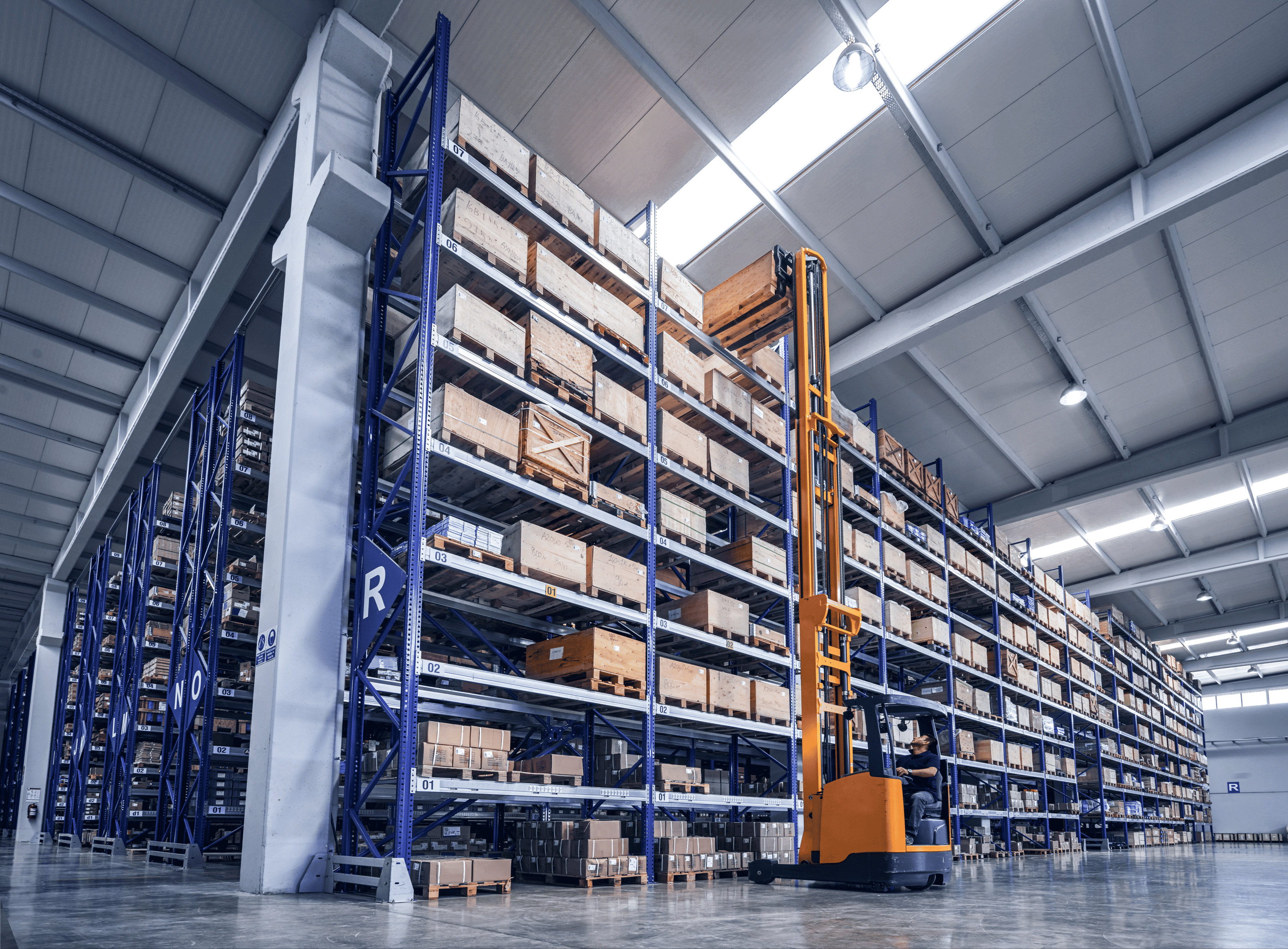
A wave collects the relevant items and controls them through the warehouse in a coordinated manner – from picking to packing and staging. The goal is for all related items to arrive at the target area simultaneously and on time.
The result: synchronized processes instead of isolated execution.
SAP EWM goes one step further by automatically splitting items into multiple waves when required – for example, when large and small quantities need to be processed differently.
Example: Quantity‑Based Wave Creation
A typical scenario:
A customer orders a quantity where part can be picked as full pallets from the high‑bay warehouse, while the remaining quantity must be picked as cases or pieces from the picking area.
Because processing times differ between these areas, SAP EWM automatically splits the requirement into:
- Wave 1: Full pallet area
- Wave 2: Picking area
Both waves have different start times but share the same planned completion date, as the goods are shipped together. SAP EWM makes this decision early, based on rough storage bin determination and removal strategy.
Typical Use Cases for Wave Management
Wave management is highly flexible and supports a wide range of logistics scenarios:
One wave per truck or container
All items belonging to a planned shipment are processed together.
Waves by destination or route
Ideal for parcel carrier scenarios or shipments with the same ship‑to party.
Waves to reflect capacity constraints
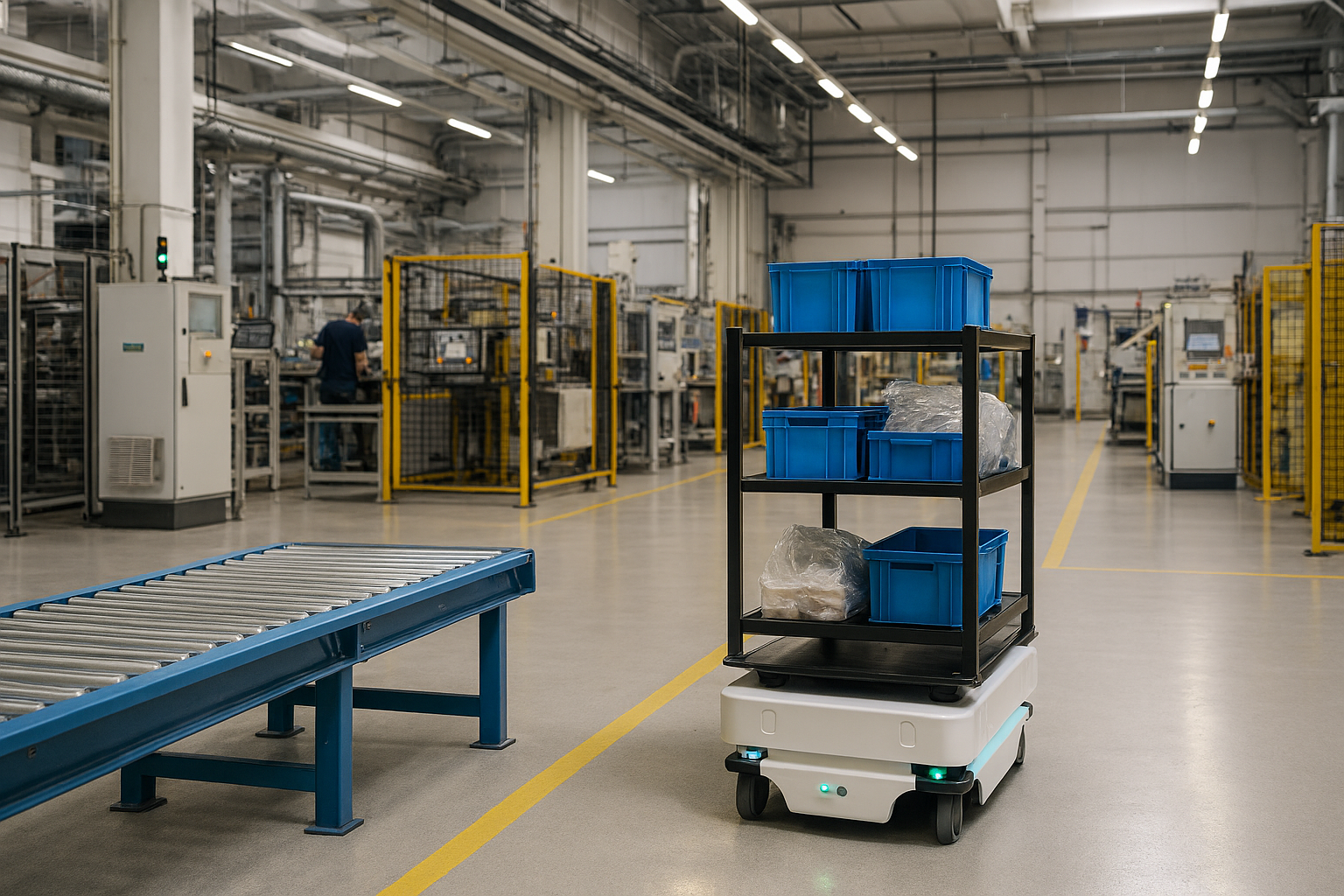
For example, in production warehouses with automated guided vehicles (AGVs) that can transport only a limited number of containers.
Waves help balance capacity utilization and stabilize throughput times.
Key Facts – Wave Management with SAP EWM
- Bundles warehouse requirements into efficient processing units
- Synchronizes picking, packing, and staging
- Ensures on‑time delivery
- Optimizes resource utilization in the warehouse
- Automatically considers quantity and area differences
- Supports two‑step picking
- Enables simulation before release
- Flexibly extensible via BAdIs
The Four Key Control Questions in Wave Management
1. How Are Waves Created in SAP EWM?
SAP EWM supports both manual and automatic wave creation.
- Manual: via the Warehouse Management Monitor or apps such as Manage Waves
- Automatic: using wave templates, which act as blueprints for waves
Wave templates define, among other things:
- release method (immediate, time‑based, or manual)
- wave type and category
- open time for additional items
- rules for automatic release
- exception handling
2. How Are Time Dependencies Controlled?
The central control element is the wave completion time – the point in time by which all processes of a wave must be completed.
SAP EWM plans backward from this point, calculating:
- picking completion time
- packing completion time
- staging completion time
- wave release time
- cut‑off time
The system considers:
- maintained processing times
- lead times
- plant or factory calendars
This ensures that processes start neither too late nor unnecessarily early – a key requirement for balanced warehouse utilization.
3. How Is the Size of a Wave Controlled?
Capacity profiles within wave template options define operational limits such as:
- maximum number of items
- maximum weight
- maximum volume
This allows waves to be tailored precisely to real warehouse and personnel constraints.
4. How Does SAP EWM Determine the Correct Wave Template?
For automatic wave creation, SAP EWM uses condition technique.
Based on criteria such as warehouse, route, or delivery date, the appropriate wave template is determined. Technically, this is executed as a follow‑up action via the Post‑Processing Framework (PPF).
Advanced Features for Maximum Efficiency
Simulation Before Release
Before a wave is released, it can be simulated. SAP EWM runs through:
- removal strategies
- creation of picking tasks
without generating final warehouse tasks. This allows bottlenecks and stock issues to be identified early.
Parallelized Release
In large distribution centers, waves can become very extensive. SAP EWM supports parallel processing during wave release, ensuring high performance even with large volumes.
Two‑Step Picking
Wave management also controls two‑step picking processes:
- picking the total quantity on a material basis
- distributing quantities to individual items
SAP EWM can dynamically decide whether one‑step or two‑step picking is more efficient, with the goal of reducing the total number of picks.
Central Control via the Warehouse Management Monitor
The Warehouse Management Monitor serves as the control center for waves:
- release and block waves
- merge or split waves
- simulation
- reassignment of individual items
Subsystems can also be integrated, including IDoc‑based control at wave level.
Flexible Framework with Extension Options
Wave management is more than a standard function – it is a technical framework.
Using:
- BAdIs
- customer‑specific fields on wave header or item level
- individual capacity logic
the solution can be tailored precisely to project‑specific requirements. CDS views are also available for KPI analysis.
Conclusion – Efficiency Comes in Waves
Wave management in SAP EWM is a central lever for more efficient warehouse processes.
Through intelligent consolidation, precise time control, flexible capacity models, and high technical extensibility, companies can:
- reduce throughput times
- optimize resource utilization
- identify bottlenecks early
- improve on‑time delivery performance
In short: Those who manage their waves correctly don’t just move goods – they move efficiency.
Frequently Asked Questions About Wave Management in SAP EWM
The following questions provide a concise overview of wave management in SAP EWM and explain how bundled and time‑controlled warehouse processes increase efficiency and delivery reliability.
Wave management bundles multiple warehouse requirements into a single processing unit to execute warehouse processes in a coordinated and efficient manner.
It synchronizes warehouse processes, reduces throughput times, and ensures balanced utilization of personnel and equipment.
Waves can be created manually via the Warehouse Management Monitor or automatically using wave templates and condition technique.
By planning processes backward from the delivery date, considering processing times and factory calendars.
Yes, capacity profiles define maximum numbers of items, weight, or volume per wave.
Yes, SAP EWM controls both one‑step and two‑step picking and dynamically selects the most efficient approach.